
WattSaver for Octopus Energy
Find cheaper times to use electricity
WattSaver helps Octopus Energy customers find cheaper times to run appliances, charge devices, and plan around changing electricity prices.
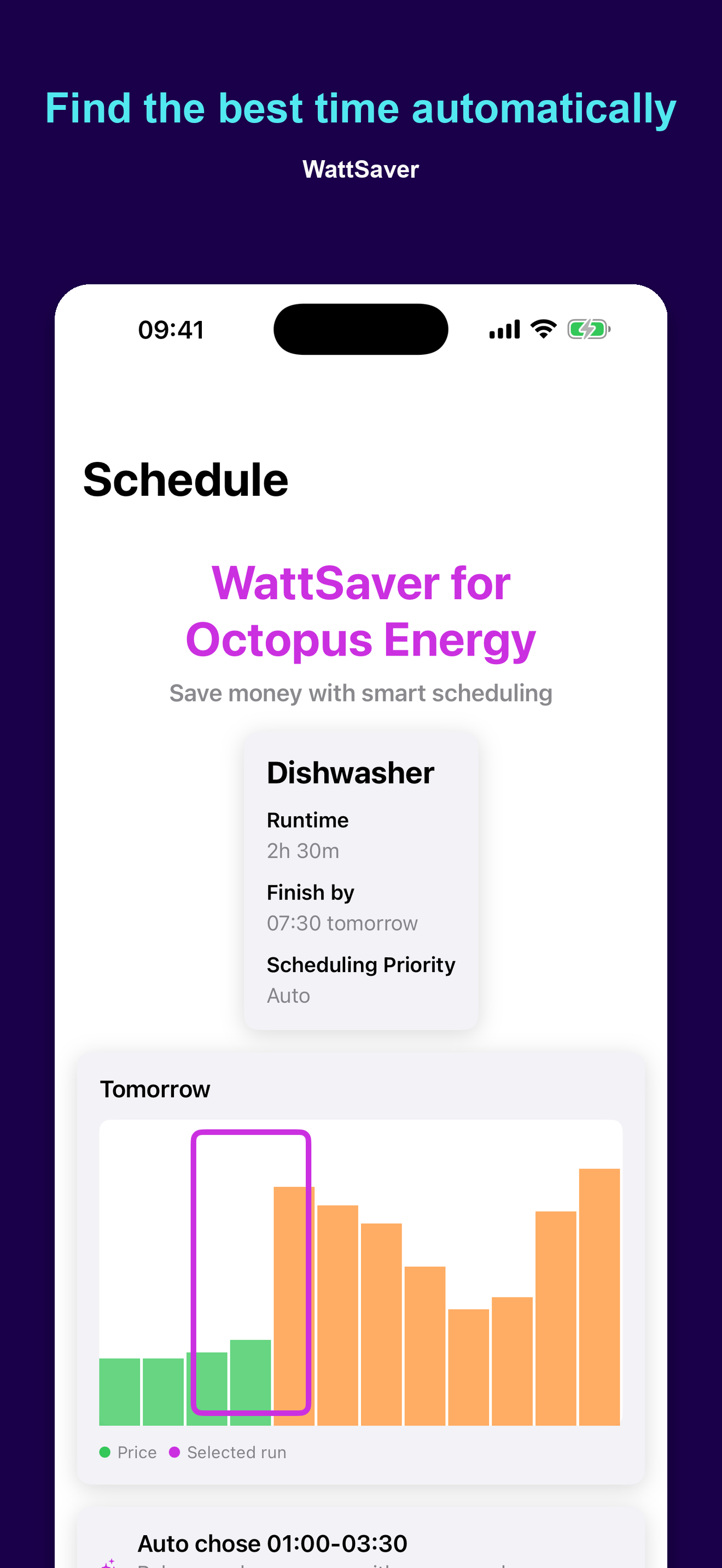
Pick what you want to run, set how long it takes, and WattSaver scans the available import price slots to show the best start time and estimated cost. Use it for washing machines, dishwashers, tumble dryers, immersion heaters, battery charging, or anything else that can wait for a cheaper slot.
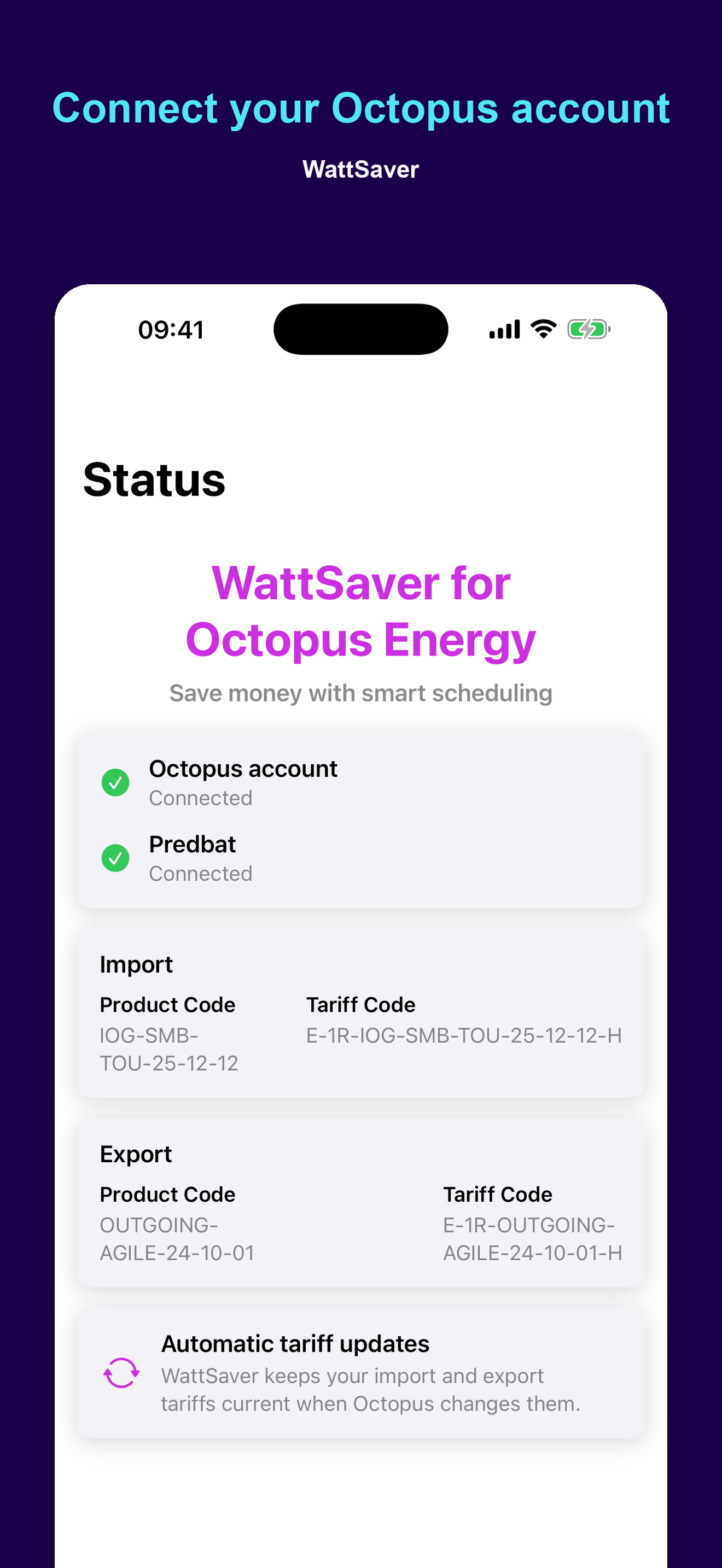
It works with Octopus import and export tariffs, including Agile, Tracker, Flexible, Intelligent Octopus Go, and compatible smart tariffs. Connect your Octopus account to auto-detect your tariffs, or choose a product and tariff manually if you just want to explore prices before switching.
What WattSaver does
- Find the cheapest import-price slots for a device run time.
- Set practical constraints such as earliest start, latest finish, delayed start, and finish-by times.
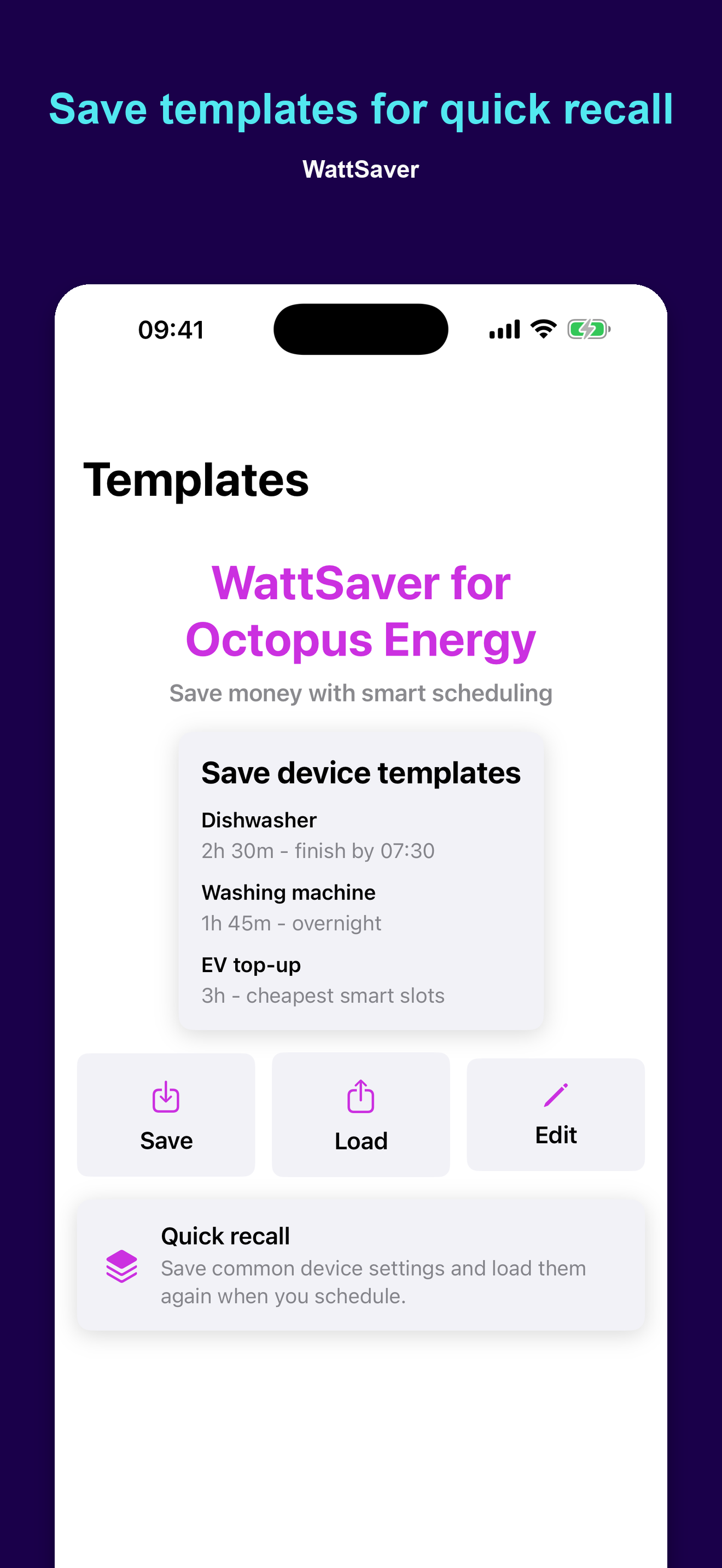
- Save and load common appliance templates for quick recall.
- View today and tomorrow's half-hour prices, with import and export charts where available.
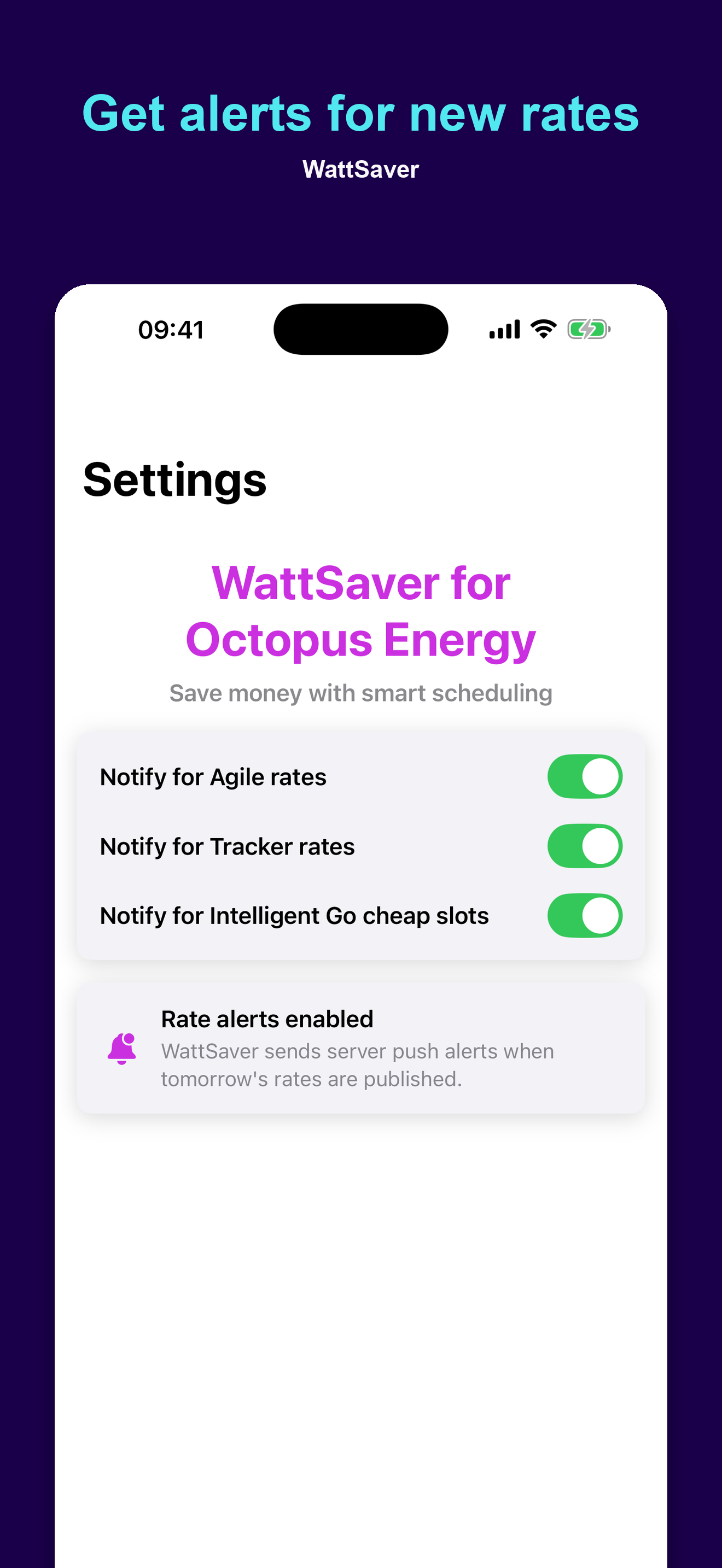
- Get optional notifications when selected rates are published.
- See Intelligent Octopus Go cheap slots and receive cheap-slot alerts where supported.
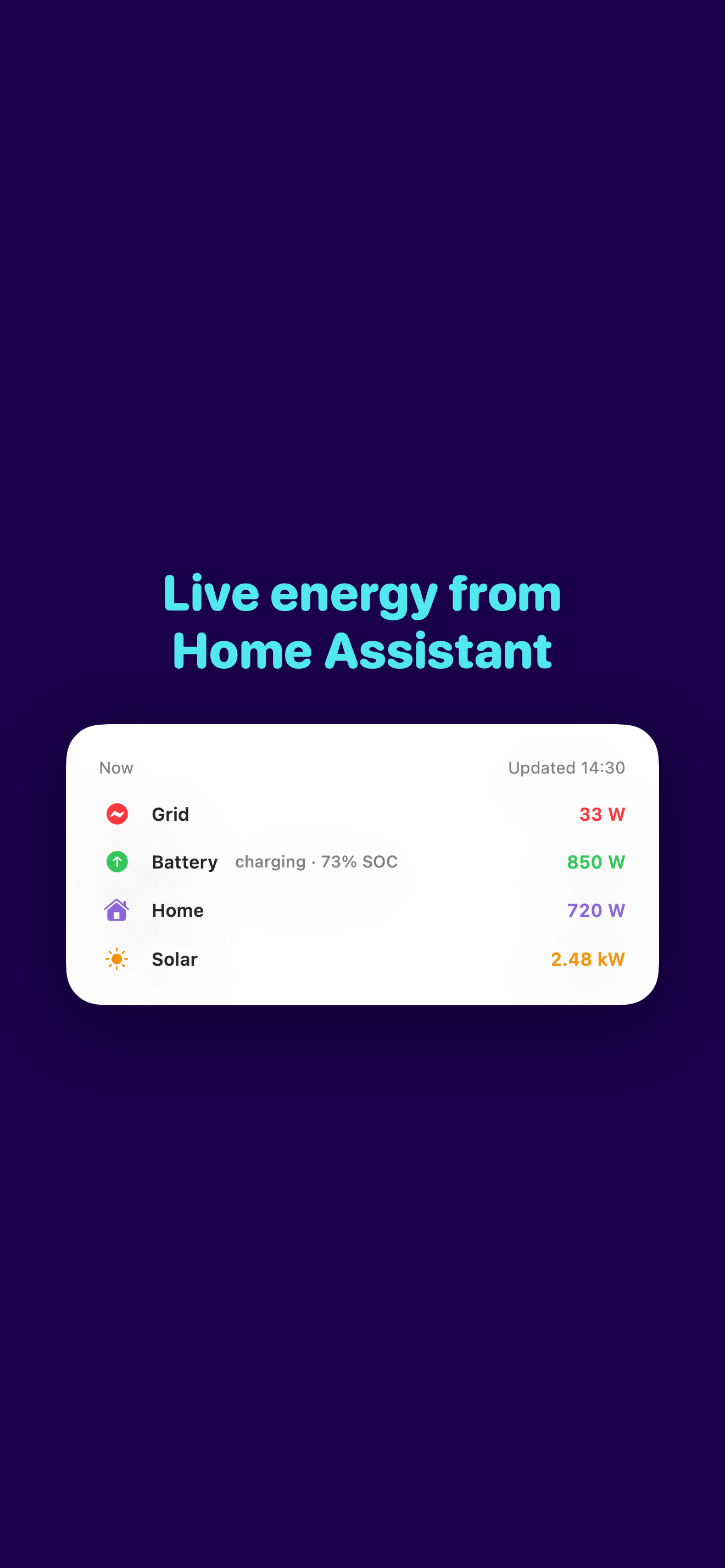
- View live grid, battery, home and solar in real time when Home Assistant is connected, with battery state of charge and a charging or discharging indicator.
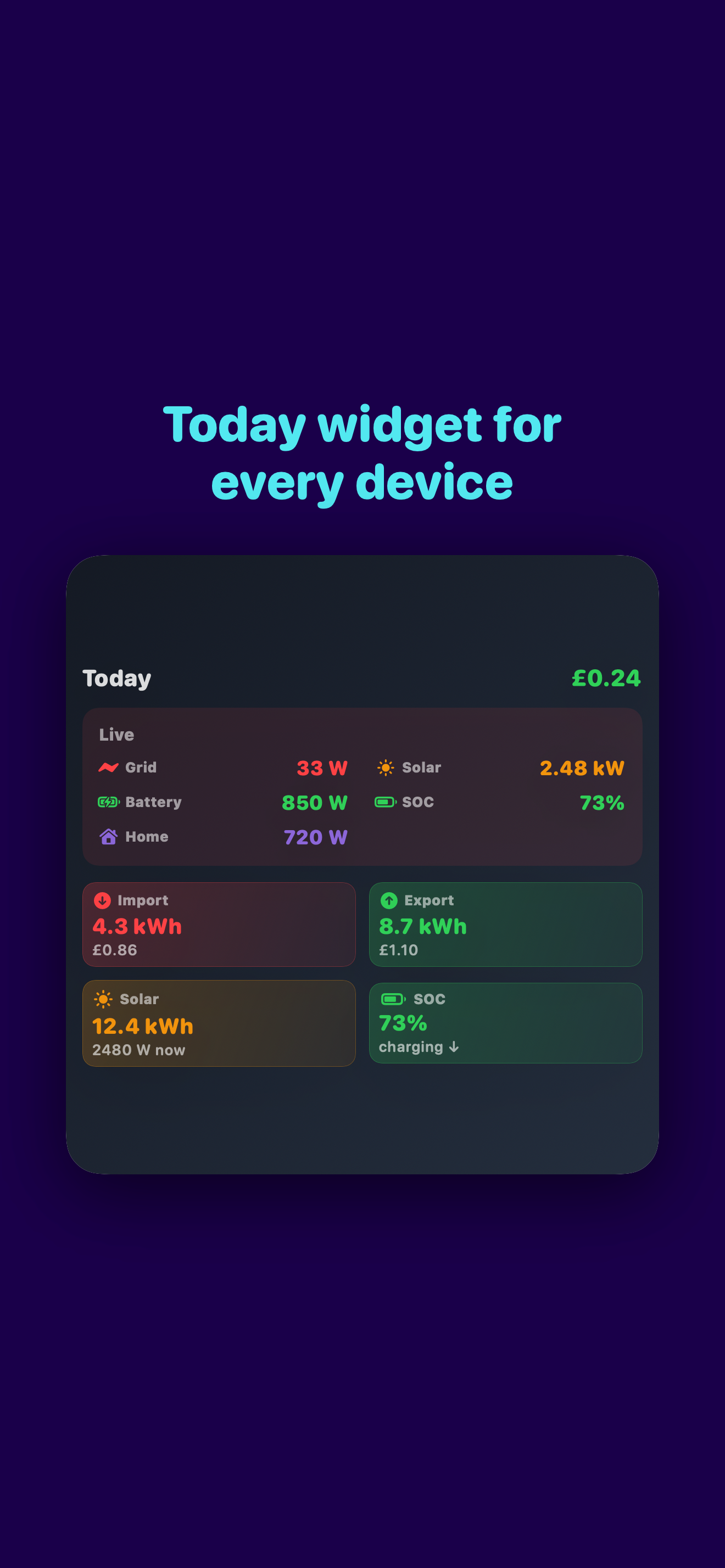
- Add a Today widget with a live energy tile and the day's import, export, gas and solar totals.
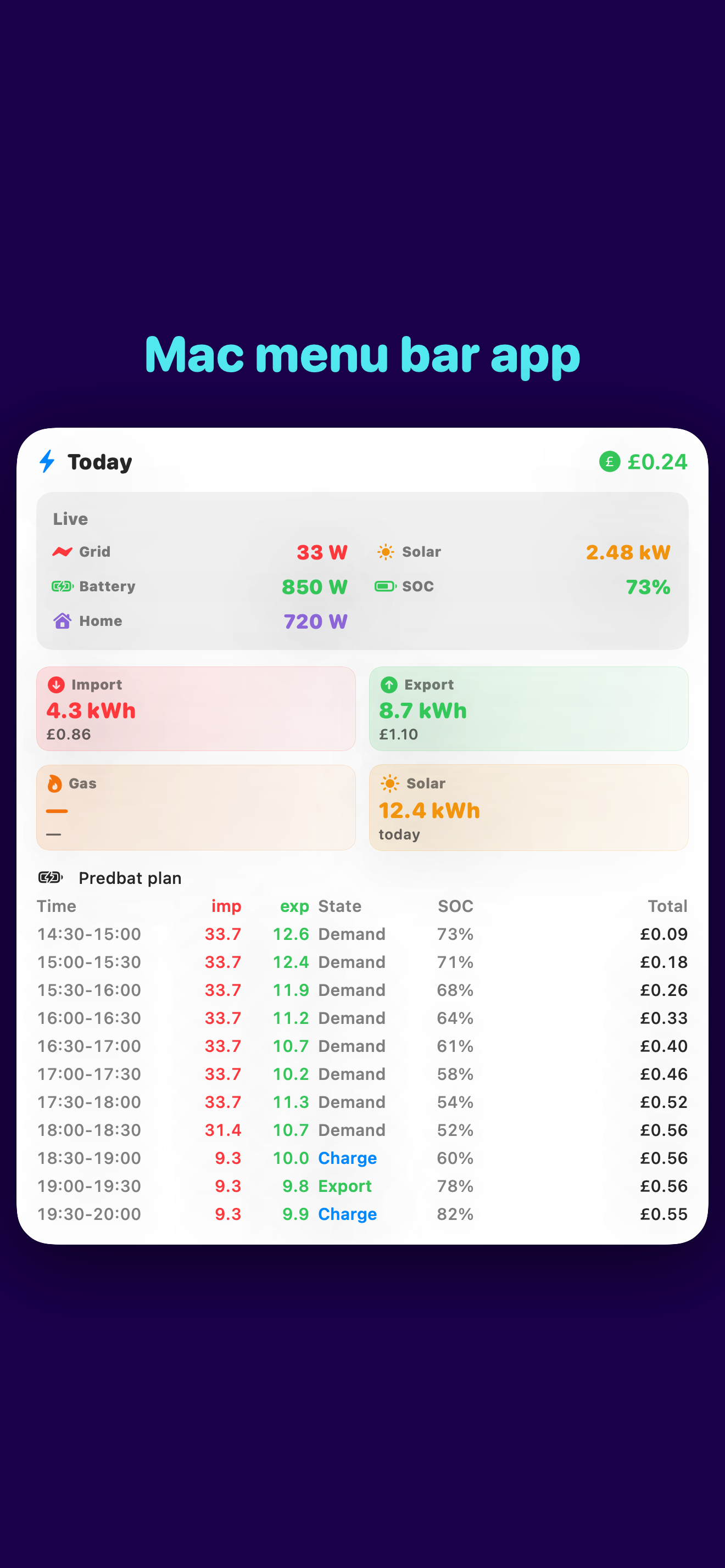
- On Mac, an always-on menu bar app shows the metrics you choose and opens to a popover with the live tile, today's totals and the full Predbat plan.
- Sync your Octopus credentials, Home Assistant URL and token, and sensor mappings across all your devices via iCloud.
- Use WattSaver on iPhone, iPad, Mac and Apple Watch.
Live energy with Home Assistant
Point WattSaver at your Home Assistant instance and it shows your grid, battery, home and solar power in real time, alongside battery state of charge and a clear charging or discharging indicator. Per-sensor sign-flip toggles handle inverters that report export as a negative number, so the rows always match what you'd expect.
Your Home Assistant URL, long-lived access token and sensor mappings all sync across your Apple devices via iCloud Keychain — set it up once on your phone and your iPad, Mac, widget and menu bar app all pick it up.
Today widget for iPhone, iPad and Mac
The Today widget shows your grid, battery, home and solar in a wide Live tile, alongside Import, Export, Gas and Solar tiles for the day's totals. iPad and Mac get a larger size that pairs the Live tile with a 2×2 metric grid and battery state of charge at a glance.
WattSaver on Mac, with a menu bar app
On Mac, WattSaver includes a menu bar helper that sits next to the clock with always-on energy stats. Click the bolt icon for a popover with the live tile, today's totals and the full Predbat plan. Choose what shows in the menu bar itself — grid watts, battery state of charge, net cost today or any combination — and optionally launch the helper at login.
Solar, battery, and Predbat
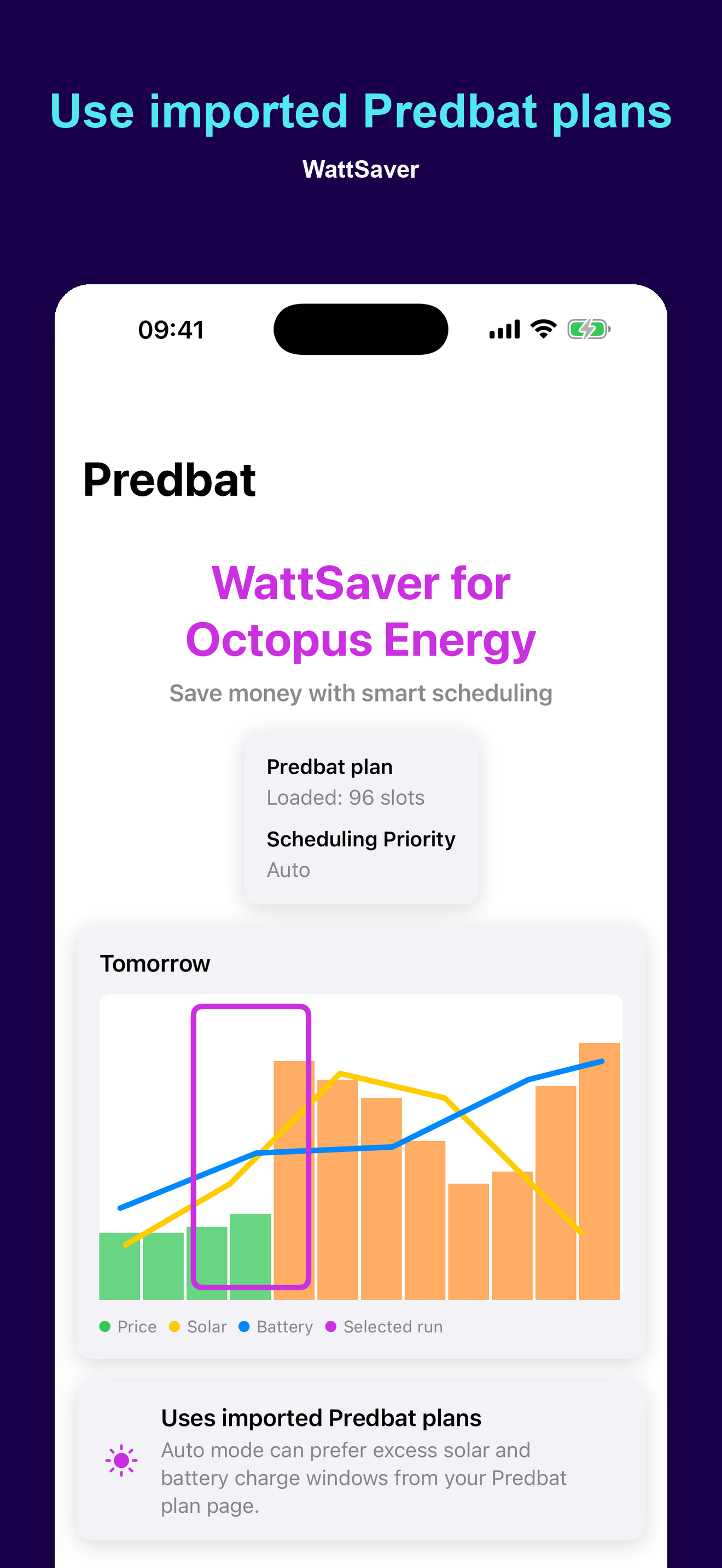
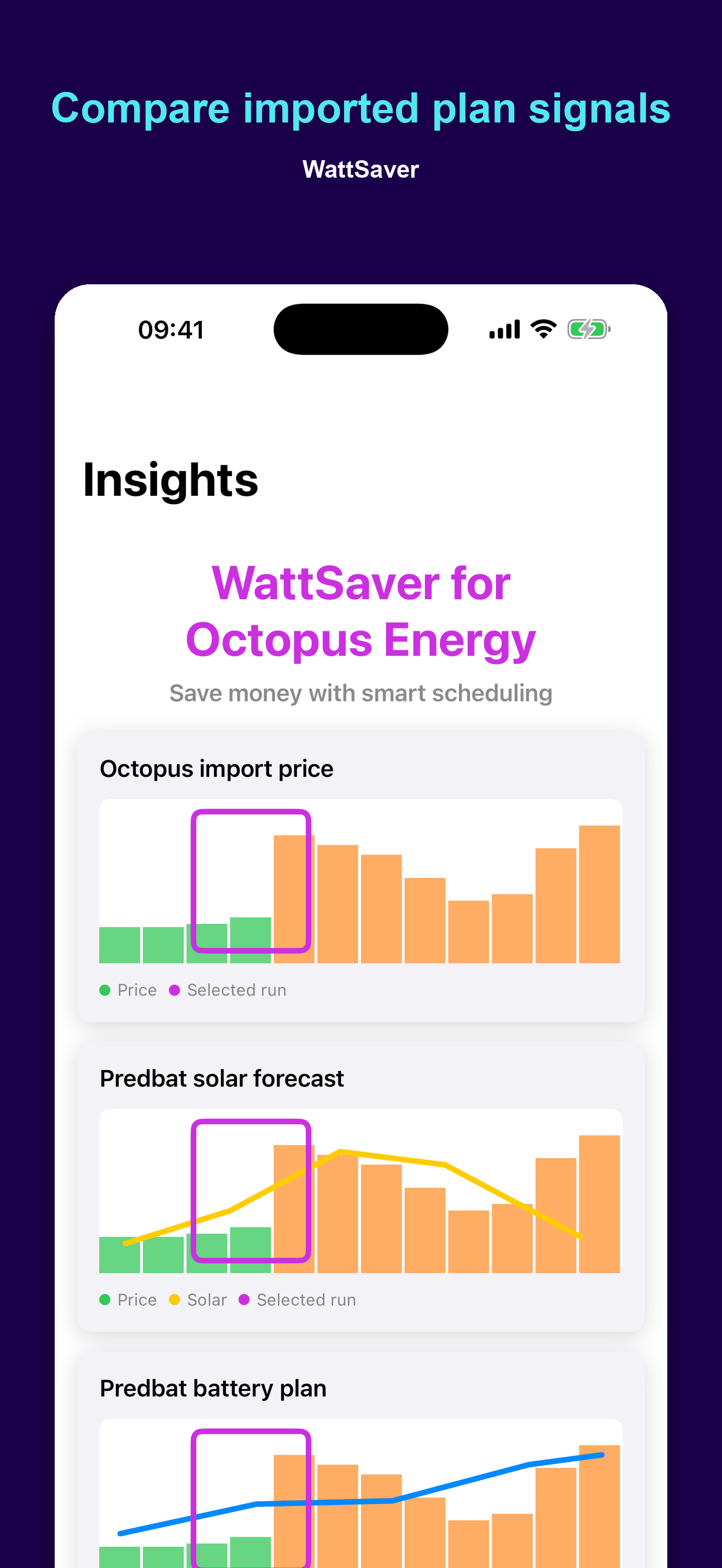
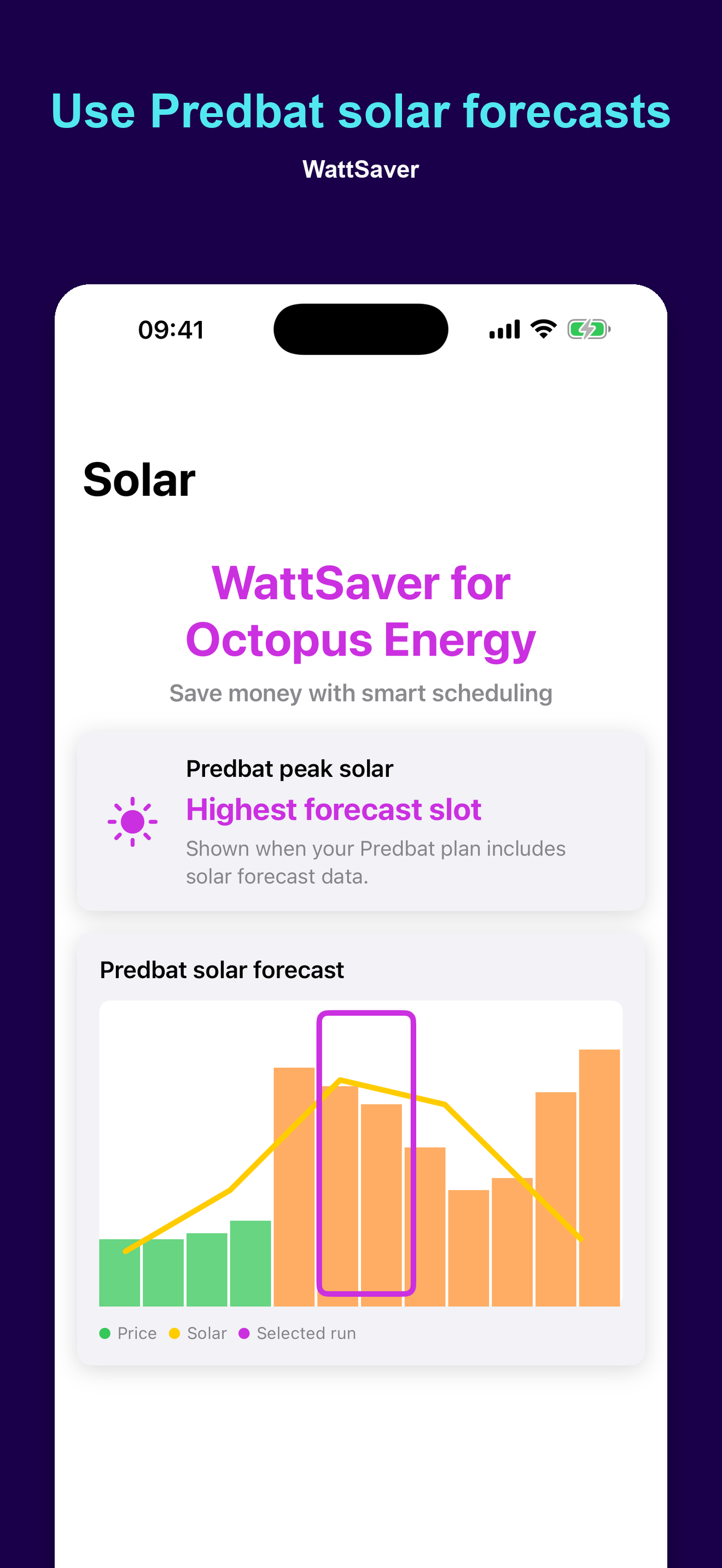
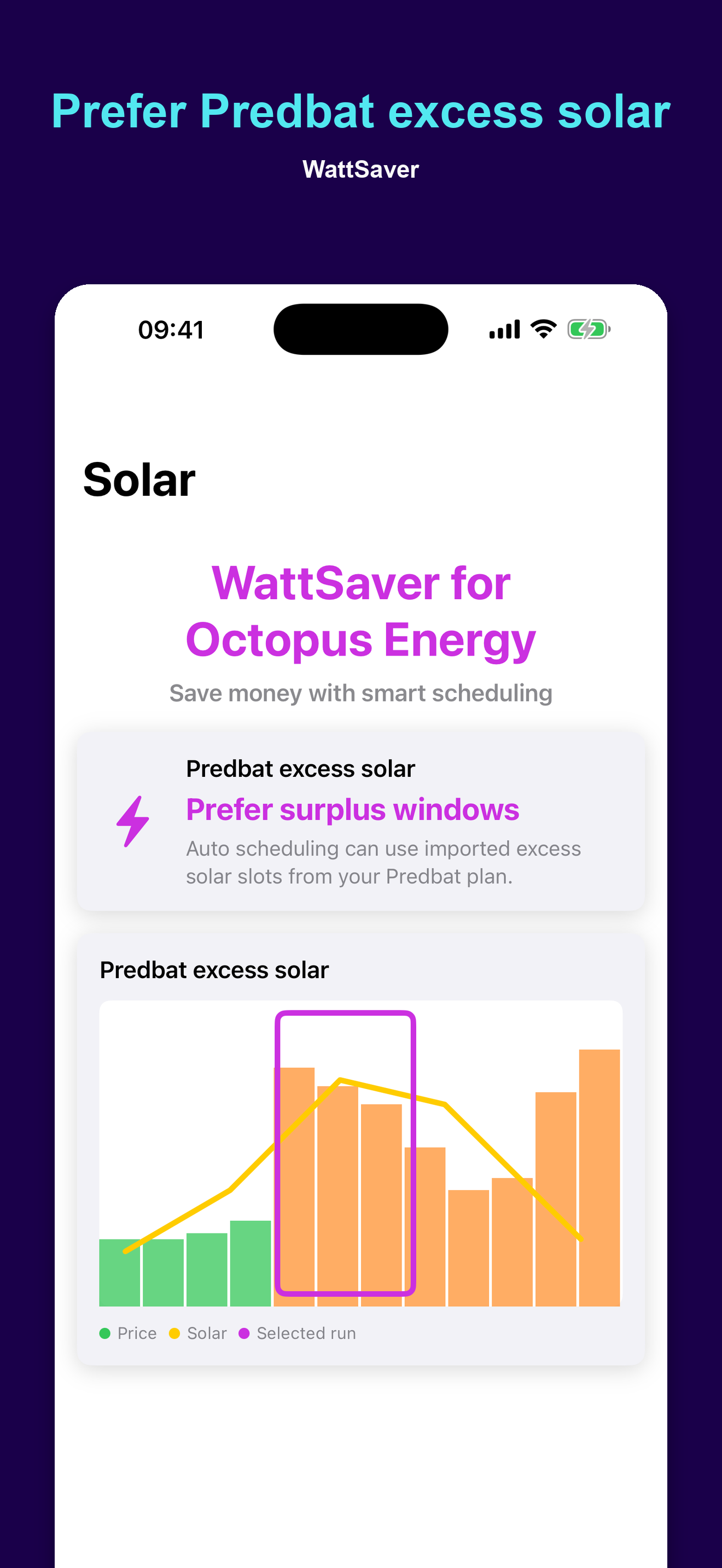
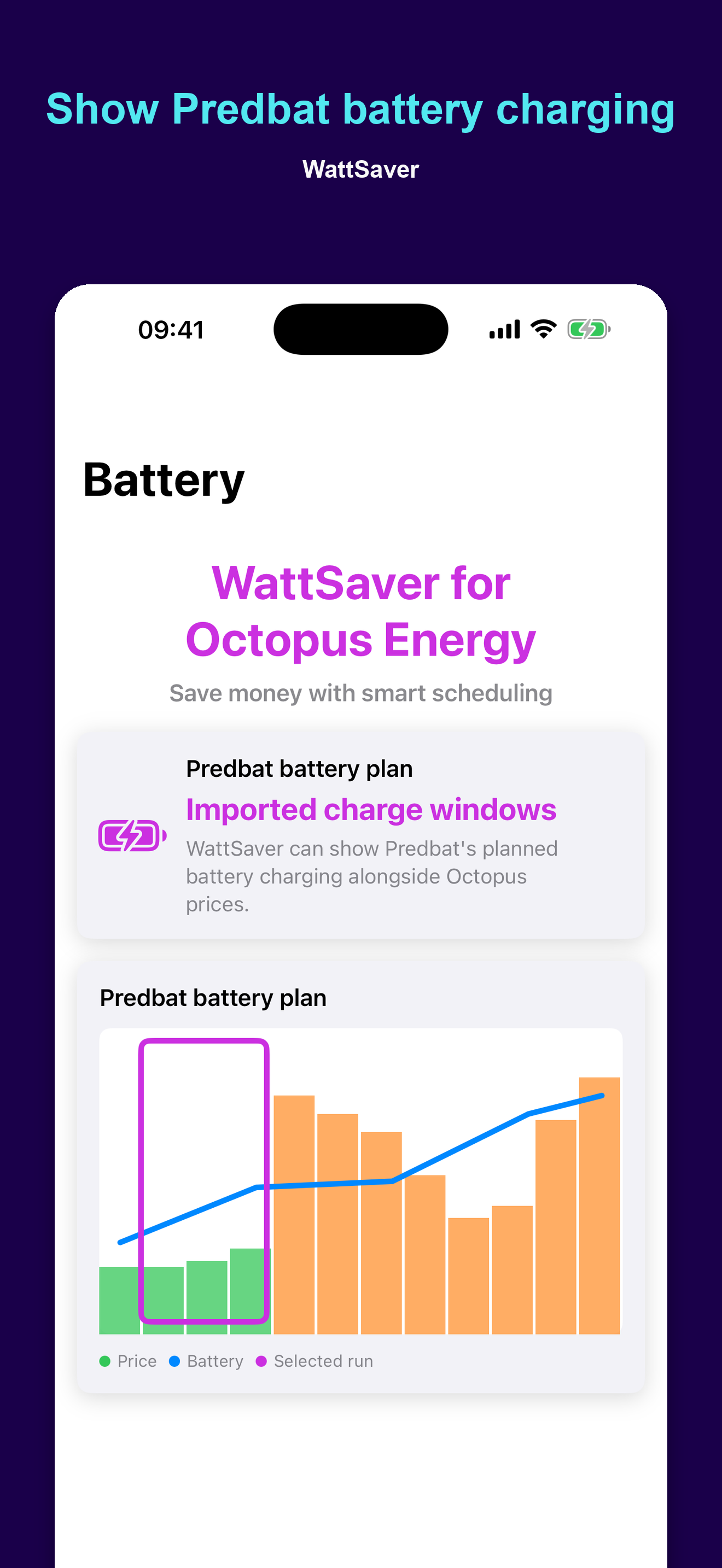
If you use Predbat, WattSaver Pro can import your Predbat plan page and show that plan data alongside Octopus prices. This can add chart overlays for solar forecast, excess solar, and battery charging windows, and scheduling can optionally prefer those imported windows.
The Predbat plan view lists every slot with import and export rate, state, battery state of charge, an optional car-charging marker and Predbat's own running cost total — matching the Predbat web table exactly. Demand slots are coloured neutral while the battery still has charge above your reserve, and red only when an actual import from grid will happen.
WattSaver does not measure your solar generation or battery state directly; solar, excess solar, and battery information is read from the Predbat plan URL you provide, or from your Home Assistant sensors when connected.
Free and Pro
Free features include basic scheduling, current prices, and one saved template. Some advanced features require the one-time WattSaver Pro purchase.
Not with Octopus Energy?
If you're not with Octopus Energy but are interested in joining, consider doing so using this affiliate link. Both you and us will get £50 off our electricity bills for joining.
How to get an API key and account number
You can get an API key from your Octopus Energy dashboard, by following this link. You will also need your account number, which you can find in your profile by following this link.
WattSaver is an independent app and is not affiliated with Octopus Energy or Predbat.
For any questions or support queries, please contact us.